
Last Updated: January 2026
If FFH4X is not working, not opening, or not injecting into Free Fire, you are not alone. These issues usually appear after Free Fire OB updates, Android OS updates, or incorrect permission settings.
This guide explains why FFH4X stops working and provides step-by-step fixes that work on the latest Free Fire patch.
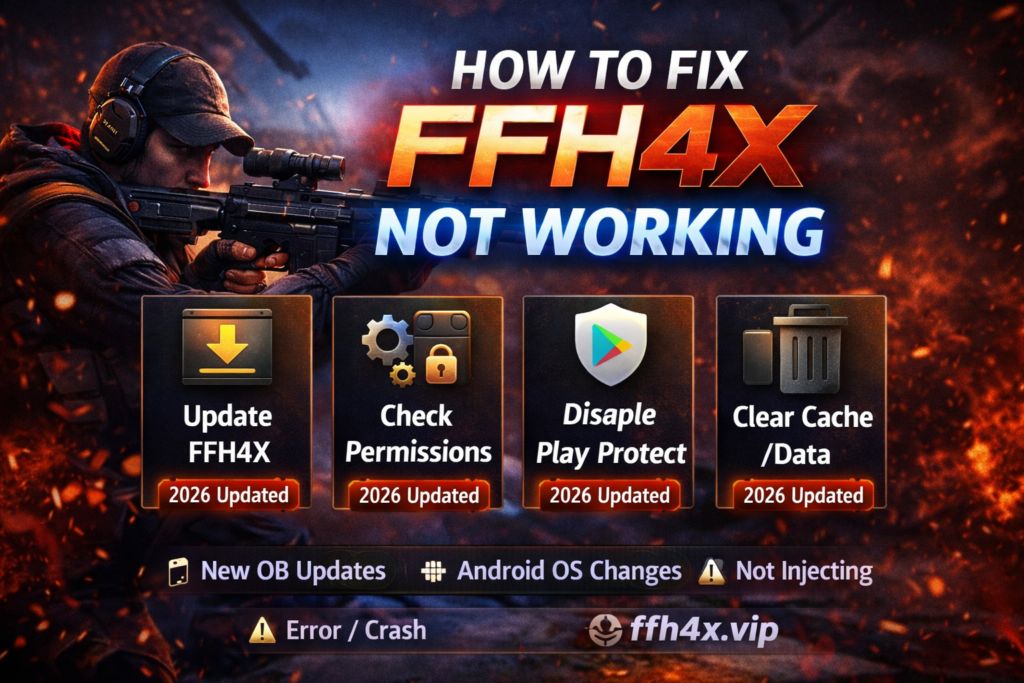
Check out FFH4X Sensitivity Settings
Why FFH4X Stops Working
Most FFH4X issues happen for predictable reasons. Understanding the cause helps you fix the problem faster.
Common Causes
- Free Fire updated but FFH4X version is outdated
- Android OS update (Android 14 / 15 compatibility issues)
- Missing overlay or storage permissions
- Play Protect or antivirus blocking the injector
- Corrupted app cache or data
- Using FFH4X on unsupported emulator or device
Before reinstalling anything, identify which issue applies to you.
Fix 1: Update FFH4X to the Latest Version
This solves most injection problems.
What to Do
- Check if Free Fire recently updated
- Download the latest FFH4X version compatible with the current patch
- Do not use old APKs after OB updates
Old injectors cannot hook into new game builds.
Fix 2: Clear FFH4X Cache and Data
Corrupted cache can prevent FFH4X from launching.
Steps
- Go to Settings → Apps → FFH4X
- Tap Storage
- Clear Cache and Data
- Restart your device
- Open FFH4X again
This fix works especially after failed injections.
Fix 3: Grant Required Permissions (Very Important)
FFH4X will not inject without proper permissions.
Required Permissions
- Display over other apps (Overlay)
- Storage access
- App usage access (if requested)
How to Check
- Go to Settings → Apps → FFH4X → Permissions
- Enable all requested permissions
- Reopen FFH4X
Missing overlay permission is the #1 reason the menu does not appear.
Fix 4: Disable Google Play Protect Temporarily
Play Protect often blocks injectors silently.
Steps
- Open Play Store
- Go to Profile → Play Protect
- Turn off Scan apps with Play Protect
- Reinstall FFH4X
- Open FFH4X and test injection
You can re-enable Play Protect later if needed.
Fix 5: FFH4X Opens but Menu Does Not Appear
This usually means the injector is running, but not hooking correctly.
Solutions
- Launch Free Fire through FFH4X, not directly
- Enable overlay permission again
- Restart Free Fire and FFH4X
- Avoid minimizing the app during injection
Also avoid using game boosters or floating apps at the same time.
Fix 6: FFH4X Crashes on Android 14 / 15
New Android versions introduce stricter background limits.
Try This
- Disable battery optimization for FFH4X
- Allow background activity
- Avoid split-screen mode
- Reinstall using latest APK build
Low-RAM devices are more affected by OS updates.
Fix 7: FFH4X Not Injecting on Emulator (PC)
FFH4X is primarily designed for Android phones, not emulators.
Emulator Notes
- BlueStacks and LDPlayer may block injection
- Emulator detection is higher risk
- Injection success rate is lower than mobile
If using emulator:
- Use latest emulator version
- Disable emulator root
- Avoid ranked matches
Fix 8: FFH4X Shows Error or Black Screen
Possible Reasons
- Incompatible Free Fire version
- Corrupted APK
- Device architecture mismatch
Solution
- Fully uninstall FFH4X
- Restart device
- Reinstall fresh APK from trusted source
- Do not restore app data
Things You Should NOT Do
❌ Do not use FFH4X immediately after a Free Fire OB update
❌ Do not install modded APKs from unknown sources
❌ Do not enable multiple aggressive features at once
❌ Do not use on your main account while testing fixes
Most bans happen during troubleshooting misuse.
Is FFH4X Not Working a Ban Sign?
Not necessarily.
Normal Issues
- Injector not opening
- Menu not showing
- App closing
Warning Signs
- Account login error
- Matchmaking restriction
- Temporary suspension notice
Quick Checklist
- ✅ Latest FFH4X version installed
- ✅ Overlay & storage permissions enabled
- ✅ Play Protect disabled
- ✅ Free Fire launched via injector
- ✅ Device restarted
If all are checked, FFH4X usually works.
